
Marquee storefront template
Marquee gives a flagship release a broad stage: a prominent title, a panoramic image and wide product features. It works well for a focused launch that needs a strong opening.
 Sample creative resources
Make space for your next idea.
Practical resources for a thoughtful creative project.
Explore products Protected digital delivery

Find your next favourite
3 products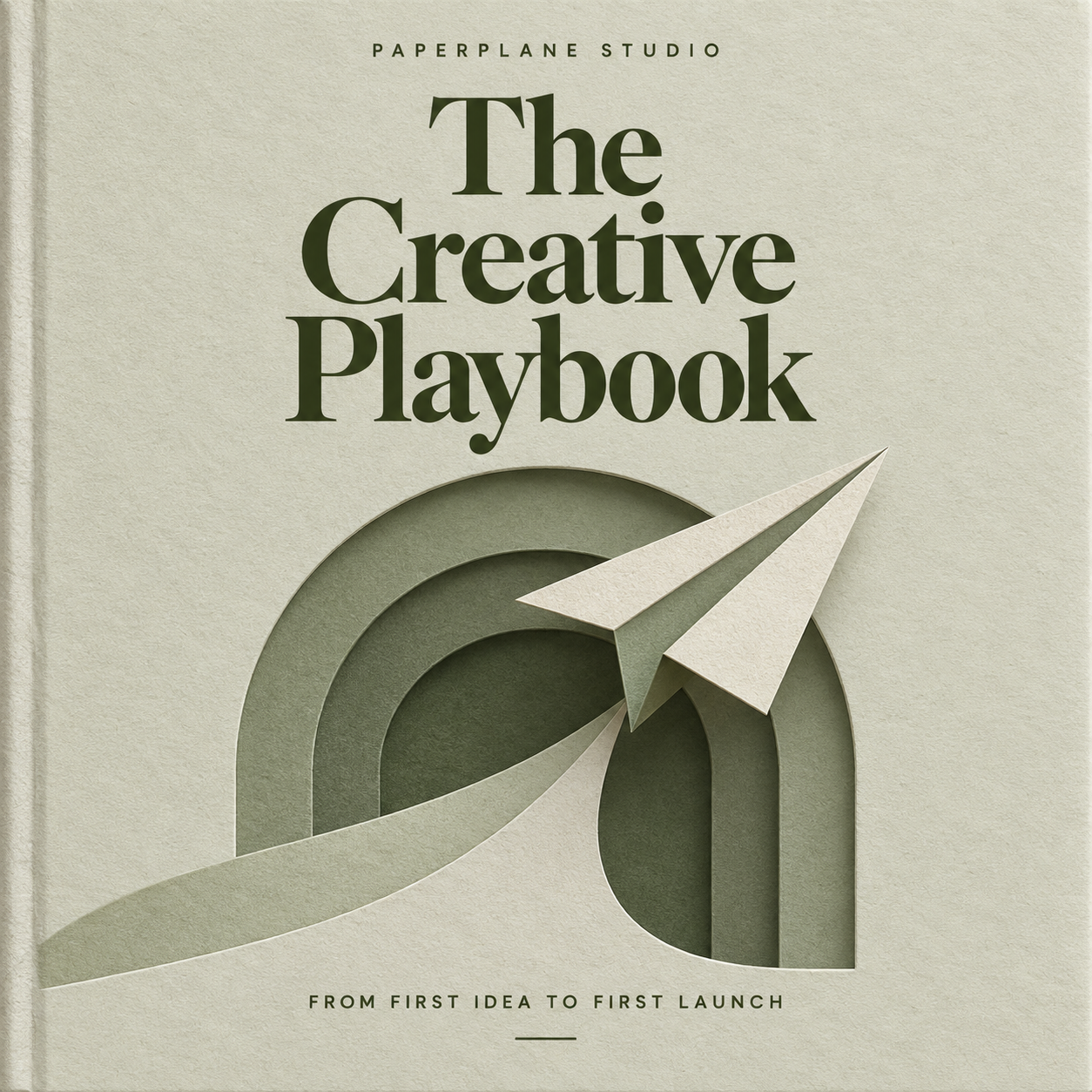
The Creative Playbook
Sample guide
Launch Checklist
Sample checklist
Product Planner
Sample planner
This preview uses sample content and the actual storefront layout. It does not sell products. Your text, media and section settings shape the finished store.
What makes Marquee useful
- A prominent title above a panoramic image
- Wide product features
- An opening built around a clear release or collection
Prepare your content
Keep the headline short and make the banner crop intentional. Long headlines and many competing products dilute the focus of this layout.
Choose Marquee in your store’s Website builder, adjust the theme and sections, then preview and save. The design does not change how products are purchased or delivered.
Make it your store
- Light, dark and system themes
- Your logo, banner and brand accent
- Banner visibility, fit and focal position
- Section ordering with optional About and FAQ
- The same product collection when you change layouts