
Guide · PDF
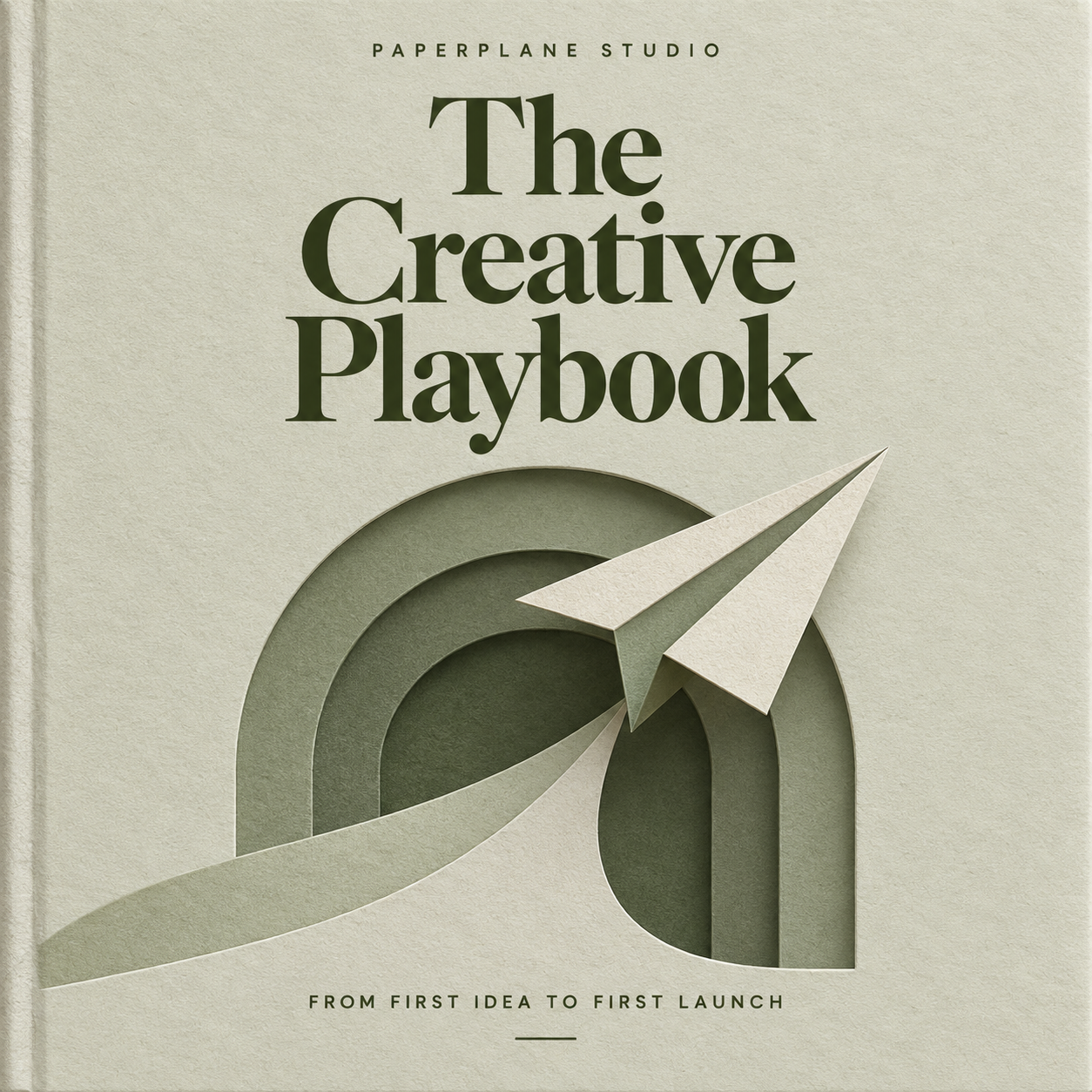
The Creative Playbook
A little structure. More room to create.
₹499Choose a template, add your logo and digital products, and publish your website yourself. Give buyers protected access to your work in the Createpie app.
Screenshot and recording safeguards on supported devices.
Guides, tools, and good starting points.
Made to help you make something of your own.
A little structure. More room to create.
₹499
Useful tools for your next launch.
₹50
Make a clear plan for your next product.
₹59The guide you wish you’d had. The course you’ve been meaning to teach. The tools that make someone’s day a little easier.
Give your work a cover, a price, and a home. Add your files, choose how buyers can access them, and share your own website.
Visit the example website Paperplane Studio is a sample store you can explore.One connected journey, from your first website to their first open. Follow along, or choose a step to explore.

A walkthrough, from your first upload to their first open. No files are uploaded and no payment is taken here.
Keep protected PDFs in the app, without print or export buttons. Enable saving and sharing when you choose. Protections vary by device, operating system, and file type.
Find your next guide, template, or course in the marketplace.
Create a store and choose to share it in the marketplace.
Guides, lessons, audio, templates, and the files that make your work yours.
PDF, ebooks, slides, docs
Lessons and product clips
Covers, assets, previews
Podcasts and lessons
ZIP downloads by default
Markdown, text, checklists
CSV, JSON, TSV
ZIP files download by default. Other supported files stay in the app unless you enable downloads.
From your first product to your buyer's first login.
Yes. Choose Studio, Journal, or Academy, add your logo and products, and publish your own store without coding. You can edit the colours, banner, about section, and FAQs yourself. Your store has its own Createpie address.
After a successful website checkout, buyers receive an email with their login details and app links. They sign in to the Createpie app on Android or iOS to open their purchased products.
No. Marketplace discovery is your choice. You can keep your store available through its own link, or opt in to help people find it while browsing Createpie.
Protected app delivery helps reduce casual copying. Screenshot and screen-recording safeguards work on supported devices. Protected PDFs can stay in the app without print or export buttons; you choose whether to enable saving and sharing. Screen capture protection depends on the device and operating system. Downloadable files and selectable text can still be copied, and no platform can prevent every form of copying.
Yes. Sellers can choose to make files downloadable. ZIP bundles download by default; other supported files are viewed inside Createpie unless downloads are enabled.
You can edit your store, add products and media, configure payments, and review purchases, revenue, commission, and seller amounts.
Start with your website. Make the rest your own.
Create your store